PDF to JPG
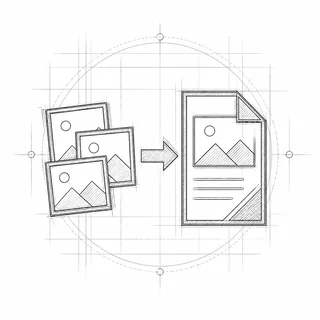
Turn every page of a PDF, or just the ones you pick, into JPG or PNG images.
Your file is ready
🔒 Files stay in your browser. For secure storage and sharing, consider Proton Drive (affiliate link).
About PDF to JPG
Save PDF pages as pictures for slides, social media, chat apps or image editors. Choose JPG for small files or PNG for lossless quality, and 300 DPI when you need print resolution.
How to convert PDF to JPG
- Drop a PDF into the box, or click it to choose one.
- Choose JPG or PNG and a resolution (150 DPI suits most uses).
- Leave the page field empty for all pages, or type the pages you want.
- Click “Convert to Images”, then save the image or the ZIP of images.
Everything happens in your browser; nothing is uploaded. Very large files (over ~100 MB) can be slow on phones.
Frequently asked questions
Is my PDF uploaded to convert it to JPG?
No. TrustPDF runs entirely in your web browser using JavaScript. Your file is read and processed on your own device and is never sent to a server. The site's Content-Security-Policy does not allow the page to send anything to any other site, and you can check the open-source code on GitHub.
JPG or PNG: which should I choose?
JPG makes smaller files and is best for photos and scans. PNG is lossless and keeps text and line drawings perfectly sharp, but files are larger.
What resolution should I use?
72 DPI is enough for screens and previews, 150 DPI for documents and slides, 300 DPI for printing.
How do I get all pages at once?
Leave the page field empty. Several pages download together as one ZIP file.