PDF to Word
Turn a PDF into an editable Word document (.docx) without sending it anywhere.
Your file is ready
🔒 Files stay in your browser. For secure storage and sharing, consider Proton Drive (affiliate link).
About PDF to Word
Get the text of a PDF into Word, Google Docs or LibreOffice to edit it. TrustPDF reads the text, rebuilds paragraphs, detects headings, bold and italic, and writes a standard .docx file, all on your device. Choose “Page images” instead when the exact look matters more than editing. Scanned PDFs have no text to convert: run OCR PDF on them first.
How to convert PDF to Word
- Drop the PDF into the box, or click it to choose it.
- Choose “Editable text” or “Page images”.
- Leave the page field empty for the whole document, or type the pages you want.
- Click “Convert to Word”, then “Save Word File” and open it in Word.
Everything happens in your browser; nothing is uploaded. Very large files (over ~100 MB) can be slow on phones.
Frequently asked questions
Is my PDF uploaded to convert it?
No. TrustPDF runs entirely in your web browser using JavaScript. Your file is read and processed on your own device and is never sent to a server. The site's Content-Security-Policy does not allow the page to send anything to any other site, and you can check the open-source code on GitHub.
Will the Word document look like the PDF?
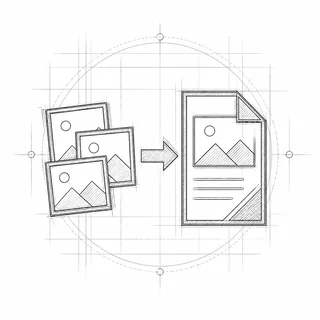
The editable version keeps the text, paragraphs, headings and basic formatting, but not the exact layout: columns, tables and text boxes become plain paragraphs, and images are left out. “Page images” keeps the exact look but is not editable.
Can I convert a scanned PDF to Word?
A scan has no text, so run OCR PDF on it first, then convert the searchable PDF to Word.
Which programs open the result?
Microsoft Word, Google Docs, LibreOffice, Pages and any other program that reads .docx files.