Flatten PDF
Turn form fields into permanent page content so they can no longer be edited. Your answers never leave your device.
Form fields
Your file is ready
🔒 Files stay in your browser. For secure storage and sharing, consider Proton Drive (affiliate link).
About Flatten PDF
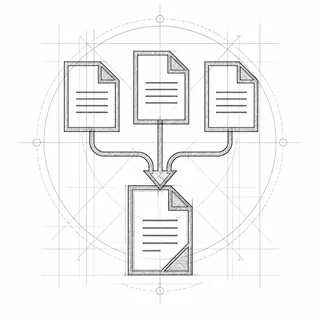
A filled-in PDF form can still be edited by anyone who opens it, and some programs show or print the fields differently, or not at all. Flattening turns each field and its answer into ordinary text and graphics on the page. Use it before you send a completed application, contract or invoice, or before you merge or print it. You can still correct an answer before flattening: the fields are listed below the file.
How to flatten a PDF
- Drop the filled-in PDF form into the box, or click it to choose it.
- Check the answers in the listed fields and correct any that need it.
- Leave “Flatten the form” ticked.
- Click “Flatten PDF”, then save the flattened file.
Everything happens in your browser; nothing is uploaded. Very large files (over ~100 MB) can be slow on phones.
Frequently asked questions
Is my PDF uploaded to flatten it?
No. TrustPDF runs entirely in your web browser using JavaScript. Your file is read and processed on your own device and is never sent to a server. The site's Content-Security-Policy does not allow the page to send anything to any other site, and you can check the open-source code on GitHub.
Can a flattened PDF be edited again?
Not as a form: the fields are gone and the answers are part of the page. Keep the original if you might need to change something later.
Does flattening remove comments and annotations?
No. It flattens form fields only. Comments, highlights and sticky notes stay as they are.
Why flatten a PDF before printing or merging?
Some printers, viewers and merging tools drop form fields or show them empty. A flattened PDF looks the same everywhere because the answers are plain page content.